Public tenders, step by step
Set up monitoring, have the documents read, answer the questions, prepare the forms and the proposal, then submit: everything you need to know, screen by screen.
1. Set up monitoring
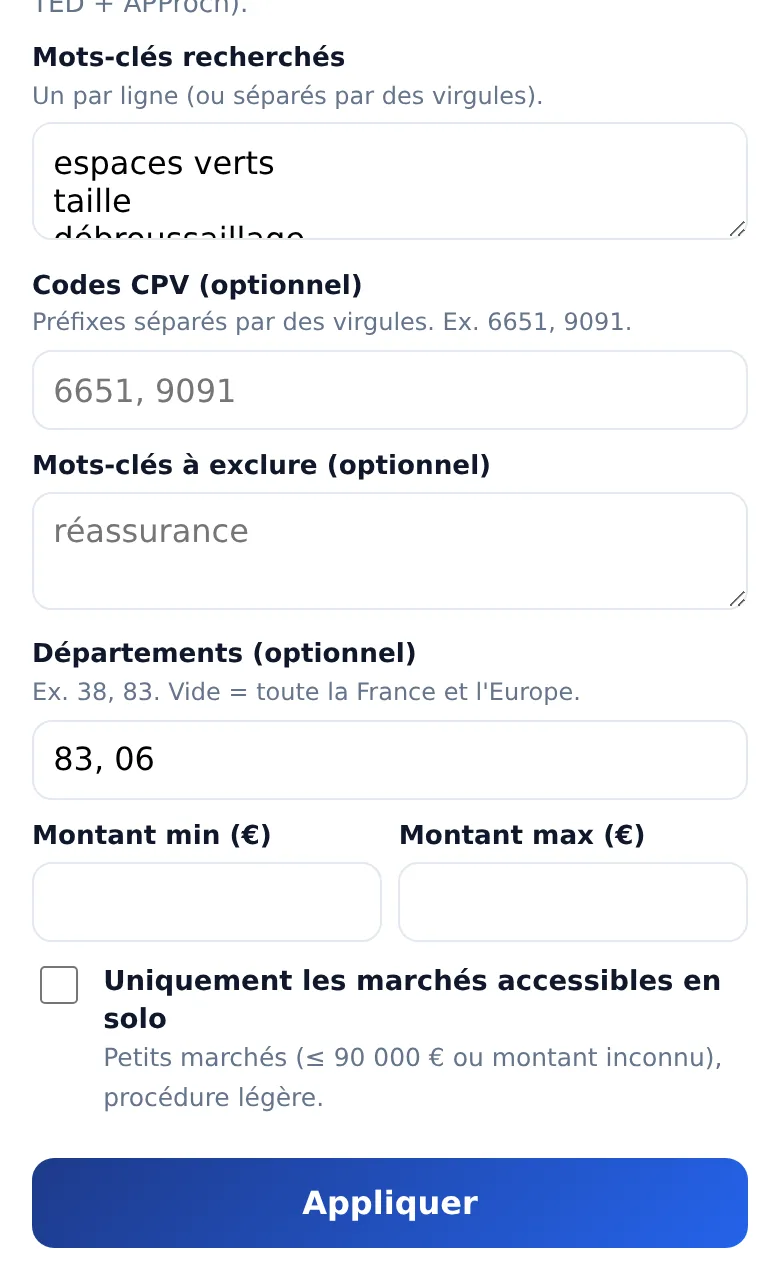
The “Ma recherche” (my search) button opens your profile: keywords, words to exclude, CPV codes, départements, value, and the box to keep only tenders you can handle alone. “par pertinence” (by relevance) ranks tenders by score; a tender card shows “Pourquoi ce marché” (why this tender). The alerts “Activer” (turn on) button sends notifications to your phone (turn on the app’s notifications first).
2. Complete your bidder profile
Once: the SIREN number fills in your identity from the national register; your Ngento accounts provide the turnover. Add the signatory, insurance, IBAN, VAT rate and references. File your certificates in “Pièces justificatives” (supporting documents) with their expiry date.
3. Have the documents read
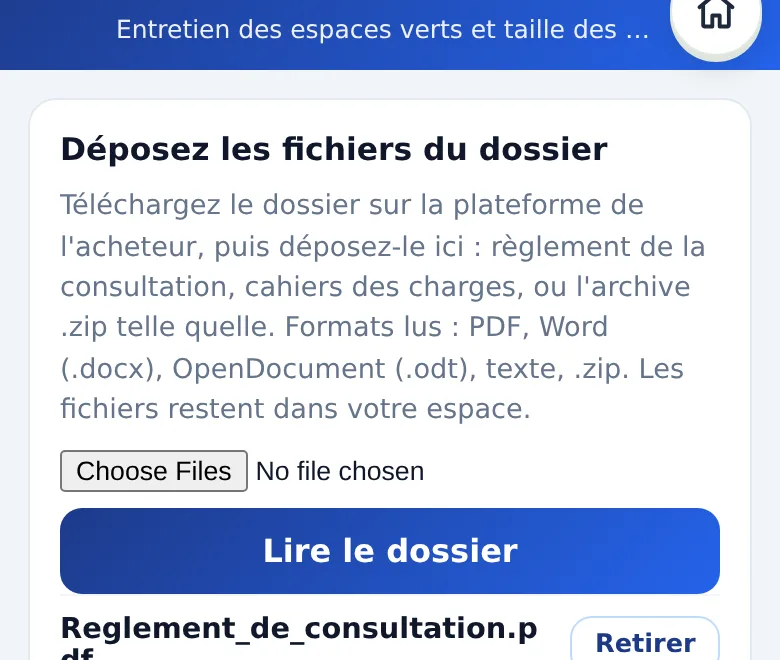
On a tender card, “Dossier de consultation” (tender documents): upload the files downloaded from the buyer’s platform, then “Lire le dossier” (read the documents). Dates, criteria, documents and how to submit appear with their source.
4. Answer the questions
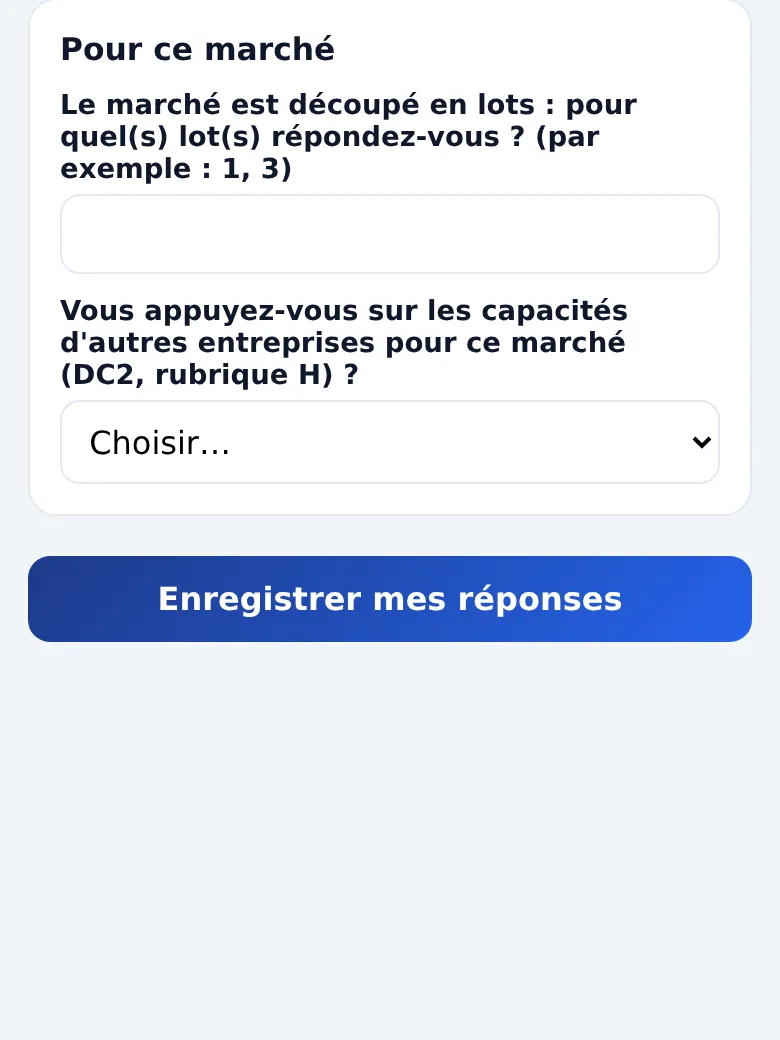
“Questions” gathers what is missing: a date, criteria, your answer about the advance, the lots you are bidding for. Anything belonging to your profile links back to it.
5. Prepare the proposal
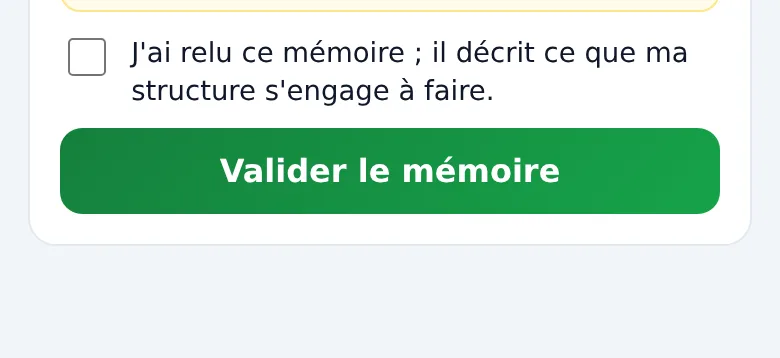
“Mémoire technique” (technical proposal) suggests the outline; write each section, “Enregistrer” (save), then tick the review box and “Valider le mémoire” (approve).
6. Submit
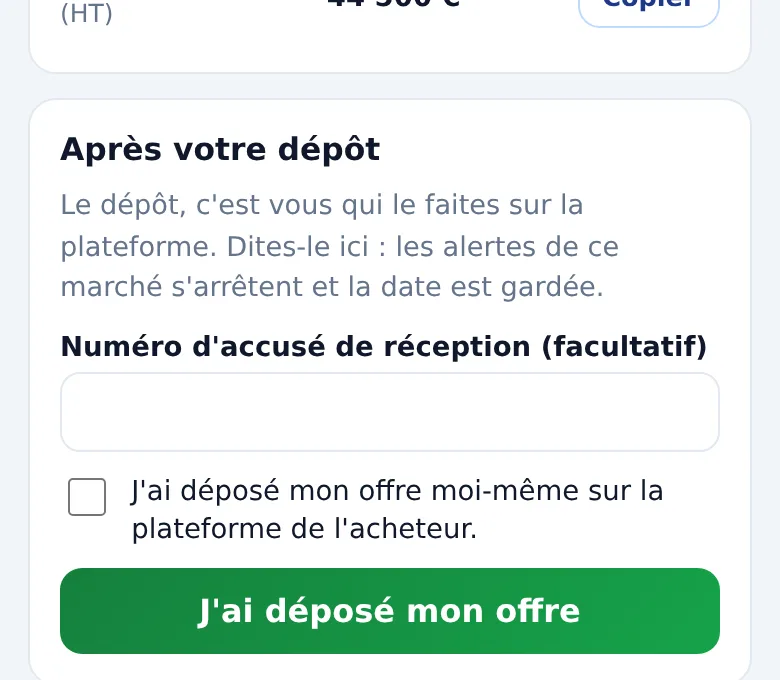
“Dépôt” (submission): open the platform with the link, download each file, copy the fields requested. After submitting, tick “J’ai déposé mon offre moi-même sur la plateforme de l’acheteur” (I submitted my bid myself), then “J’ai déposé mon offre”: alerts for that tender stop.