The buyer’s documents, read for you
Upload the tender rules and specifications: the deadline, the documents required, the award criteria and how to submit appear, each with where it comes from.
Reading the documents
What is picked out
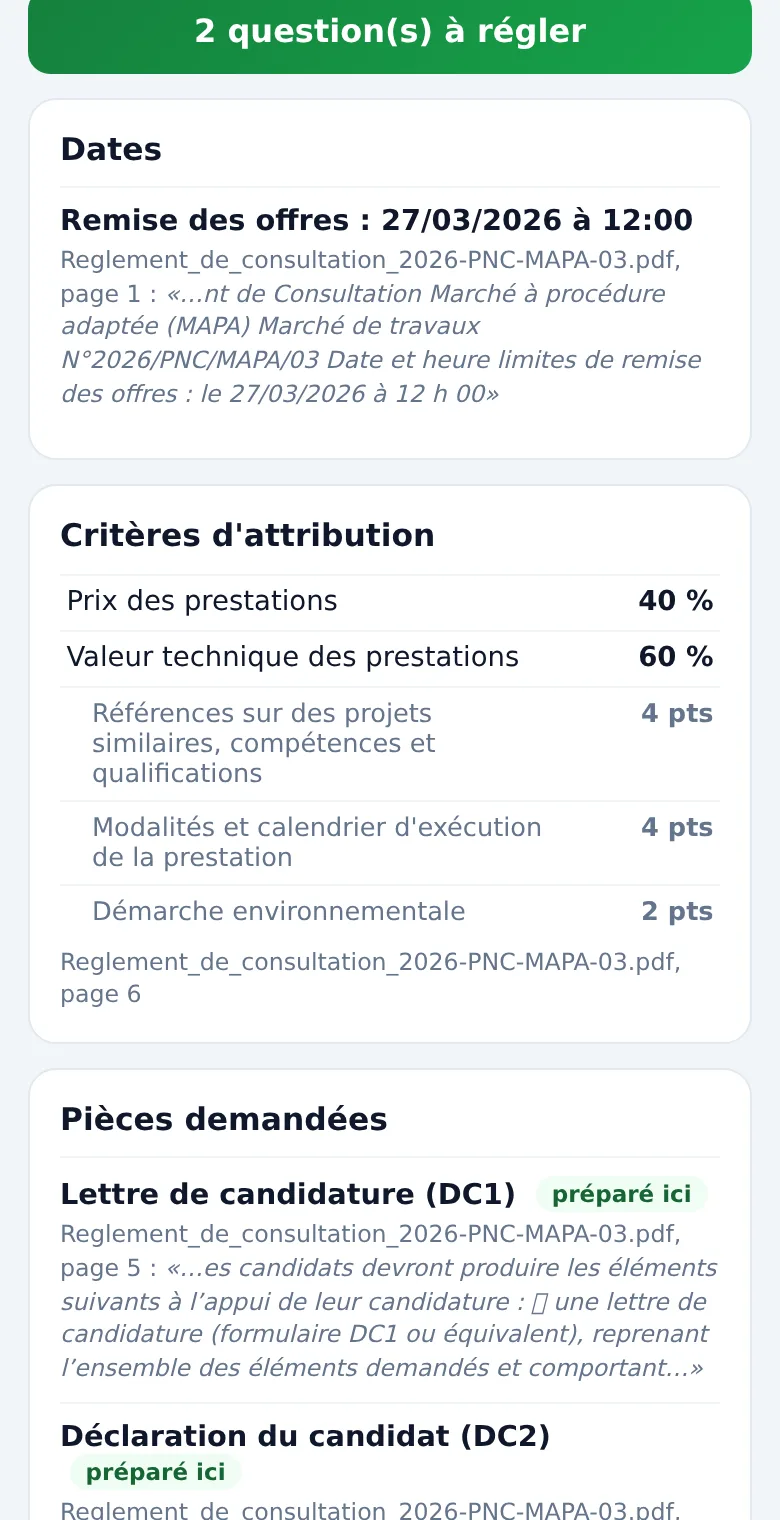
Dates
Bid deadline with the time, last date for questions, site visit.
Documents
Those to attach to the bid, and separately those only the winning bidder will provide (certificates, contract form…).
Criteria
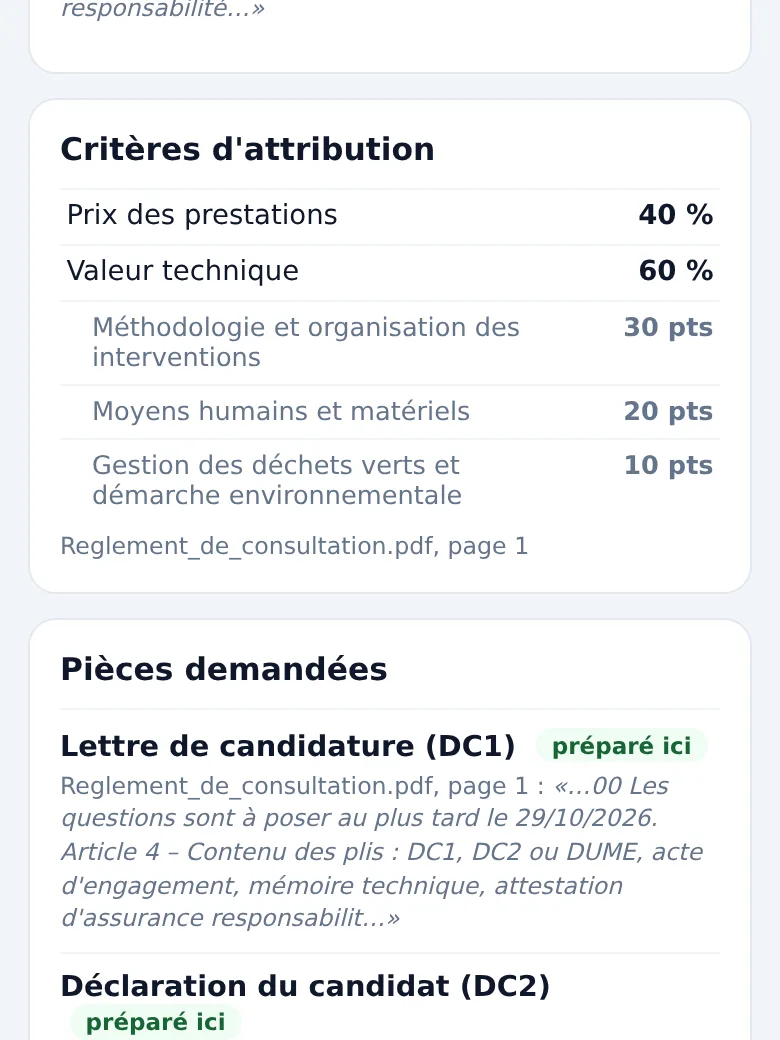
Price, technical merit, sub-criteria and their weightings, usually even in a table; otherwise a question.
Submission
Platform and its address, email accepted or refused, backup copy, signature required.
Checkable
A source for every figure
Next to each date or criterion: the file name, the page or passage, and the exact extract from the rules. You check at a glance, without reopening the PDF.
Files read: PDF, Word (.docx), OpenDocument, plain text, or the .zip archive as the platform supplies it, up to 8 MB per file (an archive counts for its whole size) and 20 files per tender. Old Word files (.doc) and spreadsheets are flagged as not read; a scanned PDF is flagged as unreadable: nothing is ever read as an empty file.
Questions
Anything missing becomes a question
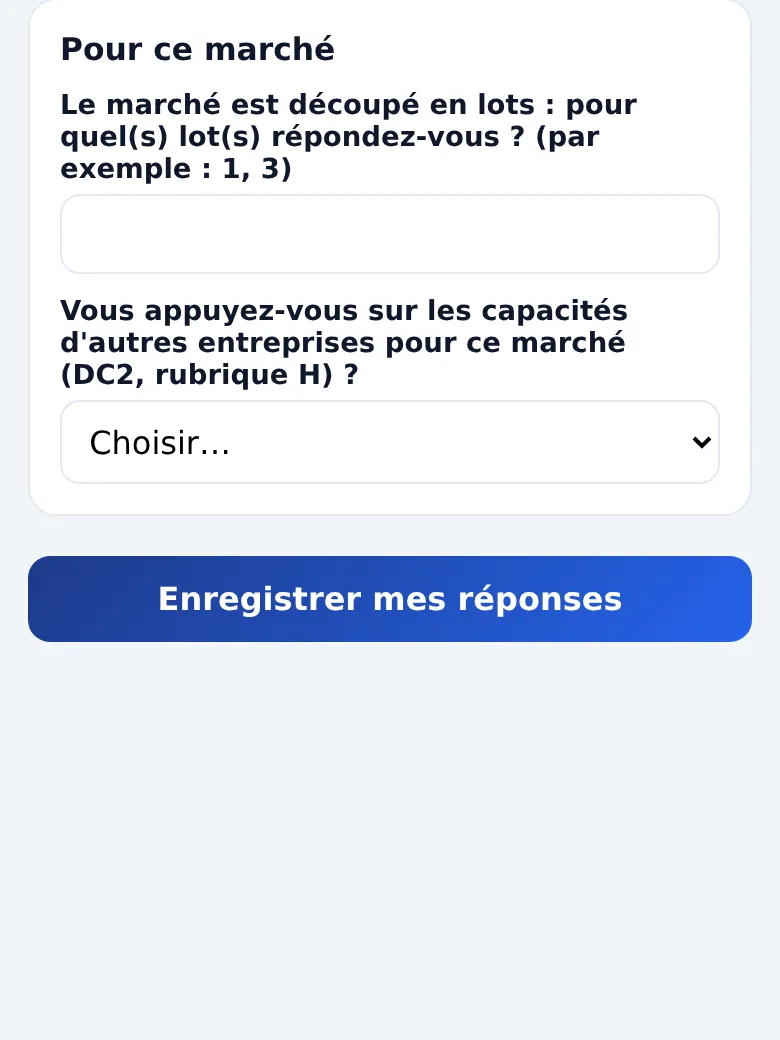
No weightings in the rules, two different dates in the notice and the documents, weightings that do not add up to 100%: nothing is guessed. You are asked a question, with where to find the answer, and your answer is used everywhere.
As long as an essential piece of information is missing (identity, signatory; for the contract form: price, IBAN, VAT, advance, lots), the form concerned is not produced.
Price
Pricing, with benchmarks
For a purchasing plan that announces a range, three positions are suggested, low, middle and high; you stay in control of the amount. The buyer’s history shows the values of the contracts it has already awarded.